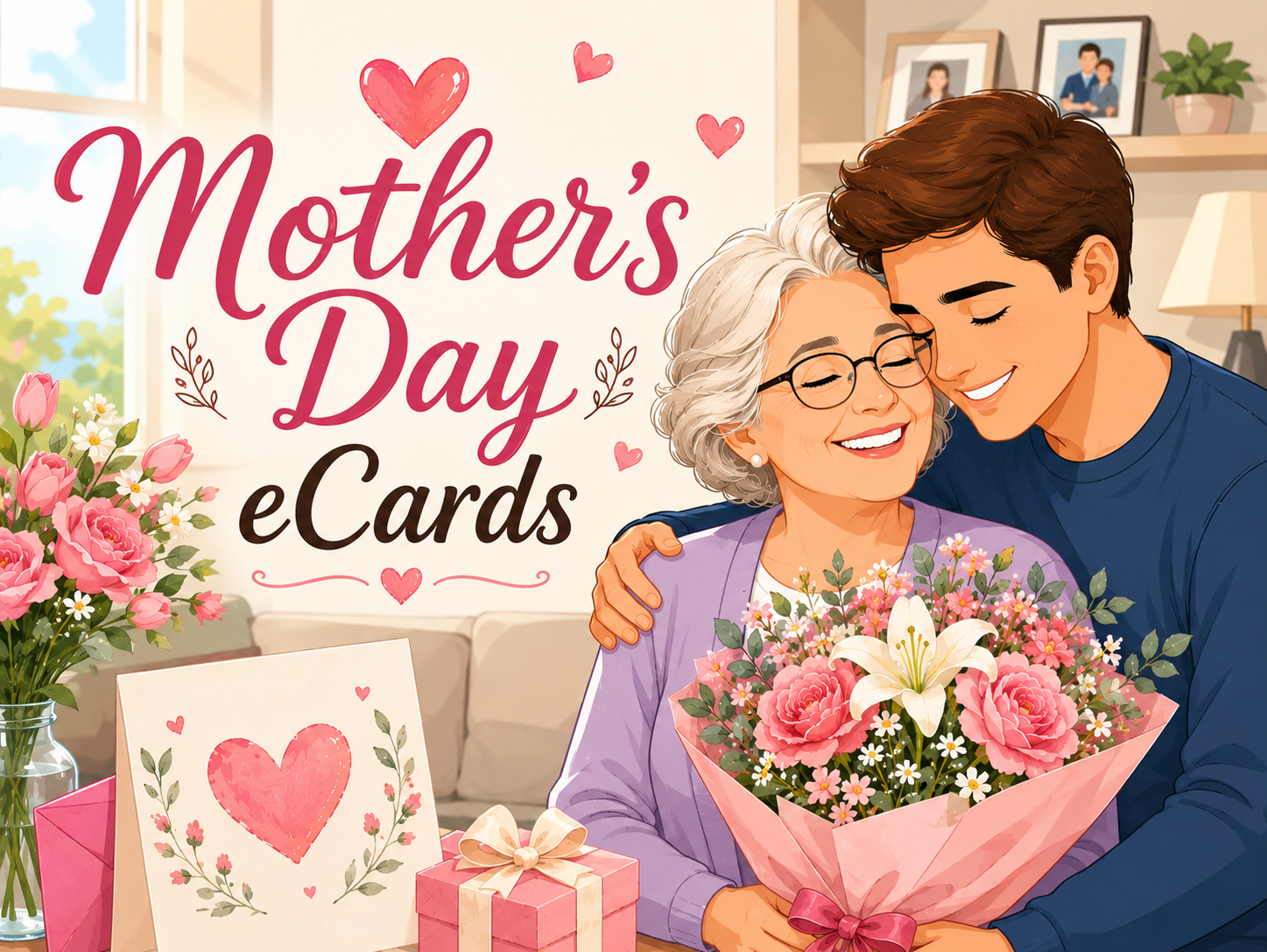
Why Mother’s Day eCards Work So Well
A good Mother’s Day message isn’t about length or perfection. It’s about relevance.
Our Mother's Day e-cards solve that by giving you the flexibility that physical cards don’t have.
You’re not limited to printed text. You’re not stuck choosing between five generic options in a store, and most importantly, you don't have to plan it days in advance.
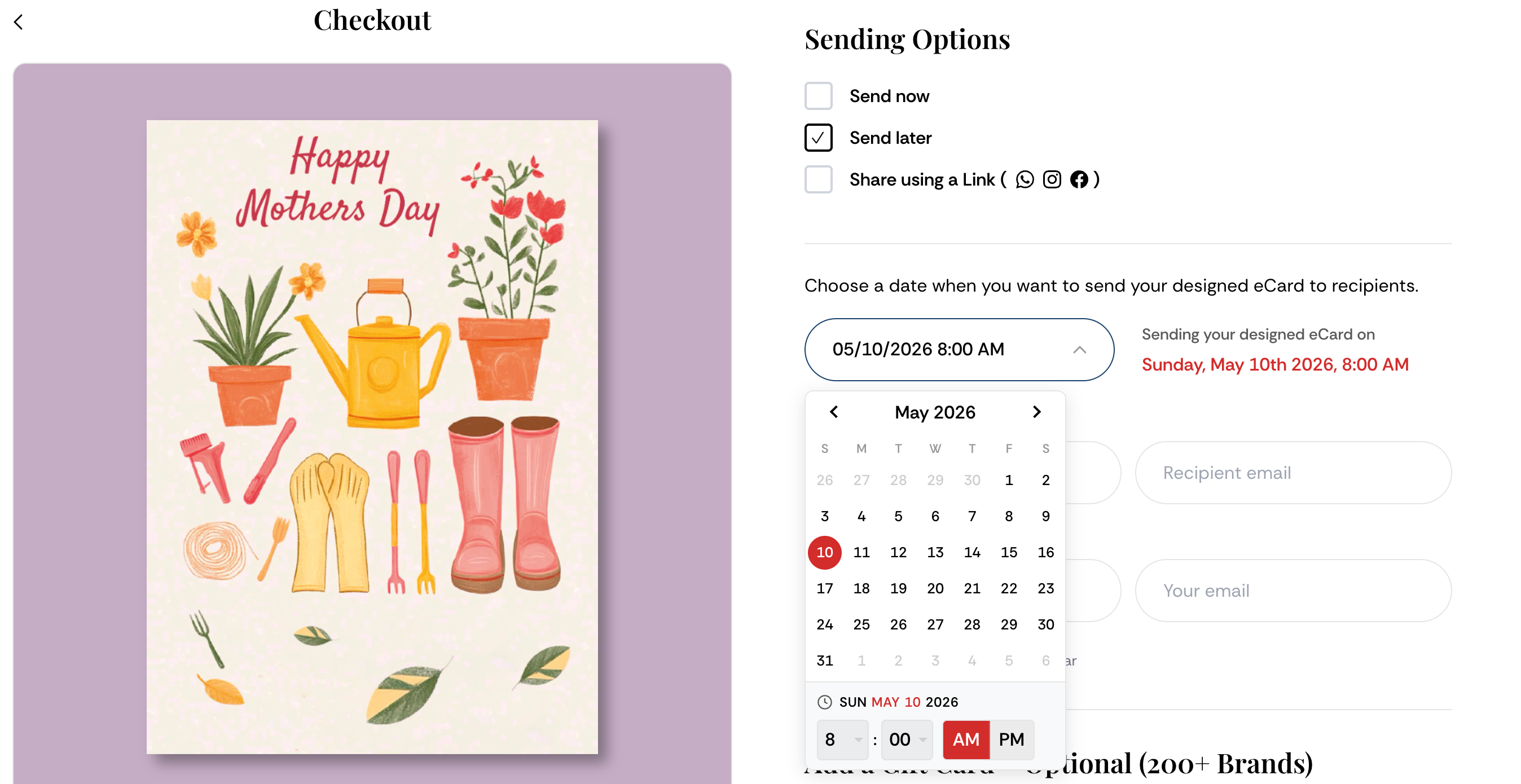
Instead, you create the experience yourself and send it instantly by WhatsApp, SMS, email, or whatever works best for you, thanks to our shareable link options. You can also schedule the card and send it later.
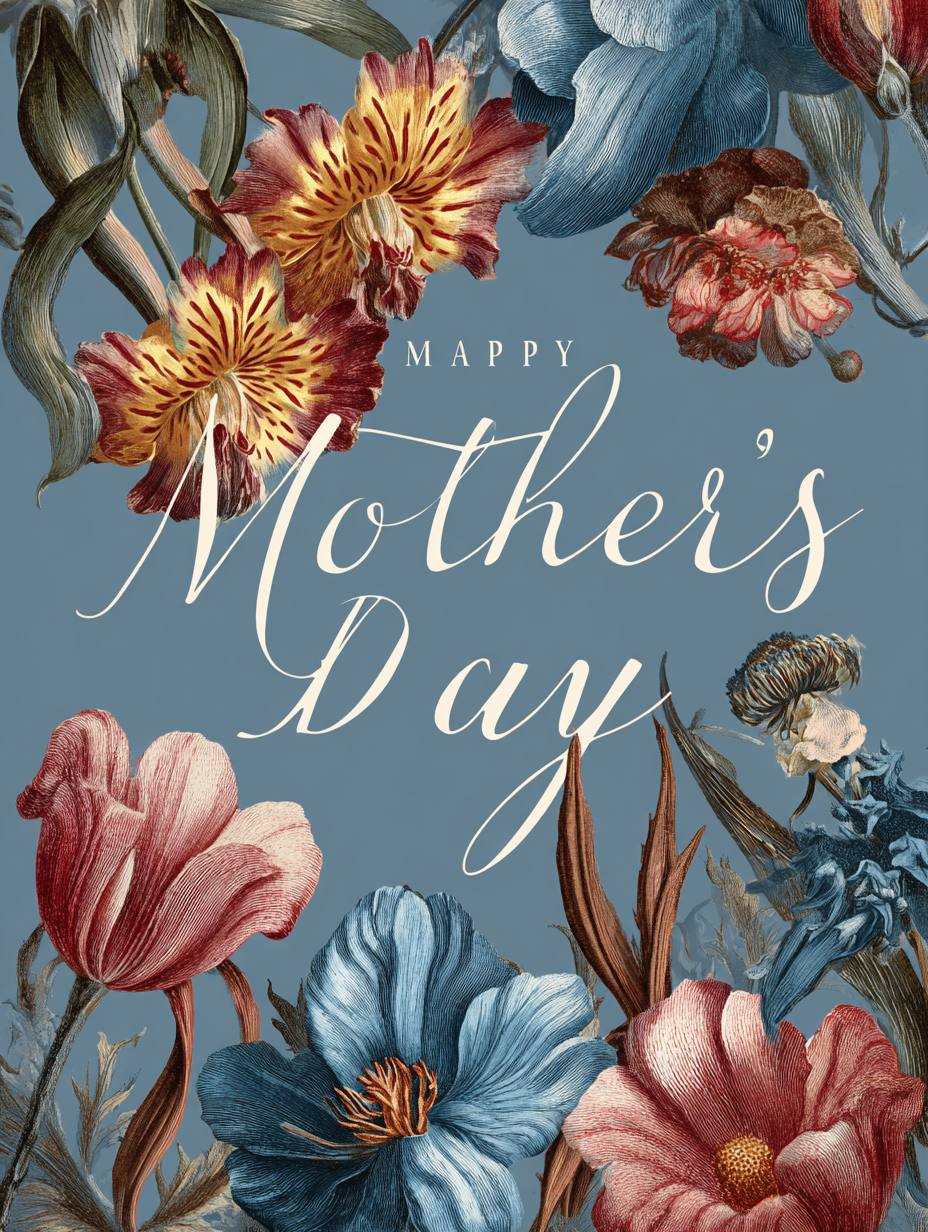
With a well-made Mother’s Day ecard, you can:
- Write your own message
- Add meaningful photos, videos or even a gift card.
- Include music or voice notes
- Send it instantly or schedule it perfectly
What Makes a Mother’s Day eCard Actually Meaningful
A mother's day ecard can be the bare minimum to just take it off the list that you paid attention to your mother, or it can be some cool, well-thought-out card that is actually levels ahead of a mostly premade physical card.
Here is the exact guide on how to hit a 10/10 Mother's Day ecard, but first, if you want to explore our message suggestions, feel free to check out the blog about Mother's Day wishes message ideas.
1. Write Something That Sounds Like You
Do not—and I mean it—do not just open ChatGPT or use our AI text tool and send some generic AI slop. At best it’ll come across as “cute.” At worst, she'll barely react to it and forget it that same day.
Therefore, take a few minutes. Actually think about it. Write something real.
That can be:
- A core memory she probably doesn’t even remember—but you do, and it genuinely shaped you
- A small, specific thank you for things she’s done that she might not even realize mattered
- Something about her that shows you actually paid attention—how she is, what she does, what makes her "her".
That’s what creates impact.
That’s what makes your ecard something she actually remembers.
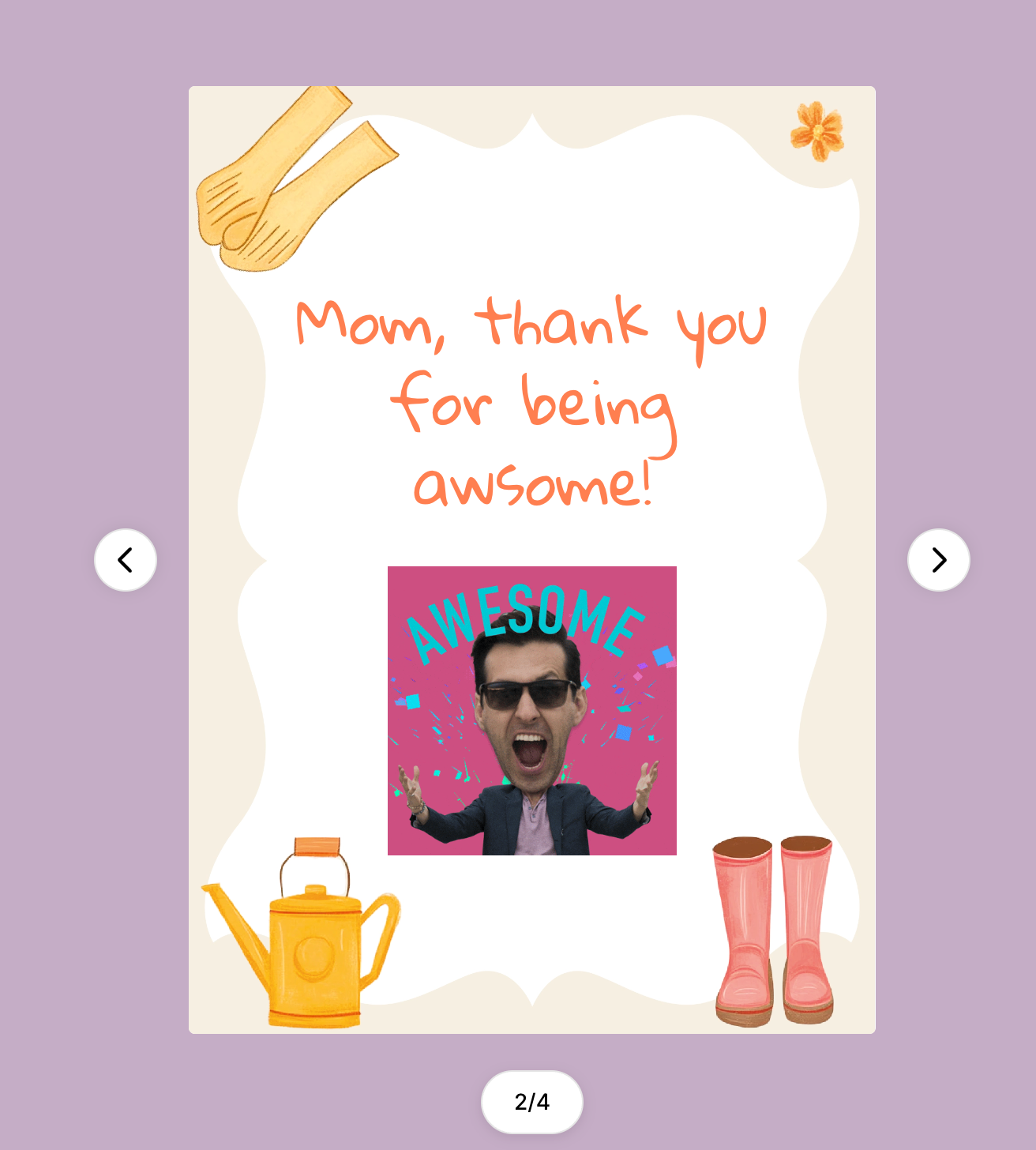
2. Add Photos to the eCard! (This Changes Everything)
Photos! Photos! Photos! Add them, they are one of if not the biggest advantage of digital cards.
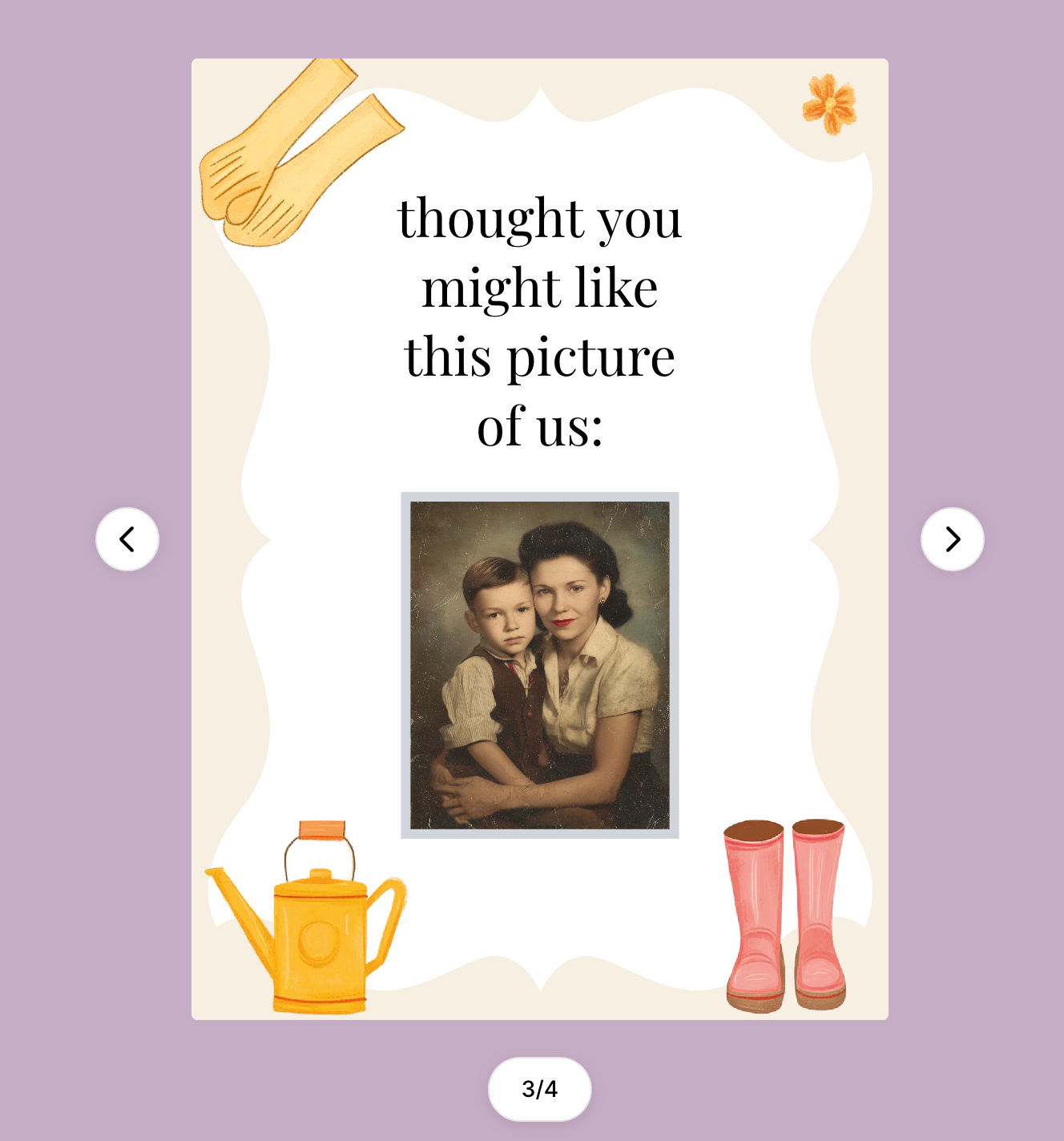
Even one image can turn a simple message into something emotional.
You can use:
- Old family photos
- A recent moment together
- Something funny or unexpected
This is where Mother's Day eCards completely outperform traditional cards, especially if you pair them with a cool video or some funny gifs.
3. Add Music for Emotional Impact
This is one of the most underrated features.
Music instantly changes how a card feels; it adds such a vibe to the card that makes it feel almost alive and so unique. So choose your music carefully. Luckily, on Ecardkings, we have a nice and large selection to choose from.
- Choose jazz for a more elegant, calm eCard.
- Choose a Happy mood for a lightweight, funny eCard.
- Choose romantic for an emotional Mother's day eCard, adds a lot of impact.
It turns a static message into an experience.
4. Get the Timing Right
Send it on the special day as soon as she wakes up. Don’t wait. Don’t send it late at noon so it feels like you almost forgot. Don’t send it the day before just to get it out of the way.
Send it that morning.
Then call her right after she opens it. On EcardKings, you’ll get an email alert the moment the recipient opens the eCard—so be ready and act on it.
Why More People Are Choosing Digital Mother’s Day Cards
The shift toward digital isn’t random. It’s practical.
Let’s be real for a second—most people don’t have Mother’s Day in the top of their mind until the last minute. If you’re one of the rare ones who plans ahead, fair enough. But for most, it’s not a date that just sits in your head all year.
So when it sneaks up on you, pulling together a thoughtful physical gift isn’t that easy—especially if your mom lives far away, which is more and more common now.
That’s exactly where digital wins.
And yes, a bit of a shameless plug—but this is actually useful: with an EcardKings subscription, you can set reminders for all these occasions you’d otherwise forget. No stress, no last-minute panic.
You can check it out here: [ecardkings subscription]
If you want to try it, you can get 50% off your first month with the code 50MOM, availabe until MAY 15th.
We’ll send you up to three reminder emails, starting a week in advance, so you have time to actually create something meaningful—and never miss an occasion again.
Add a Gift Card to your eCard and Turn It Into a Real Gift
This is where things go beyond just a message.
Instead of choosing between a card and a gift, just combine both.
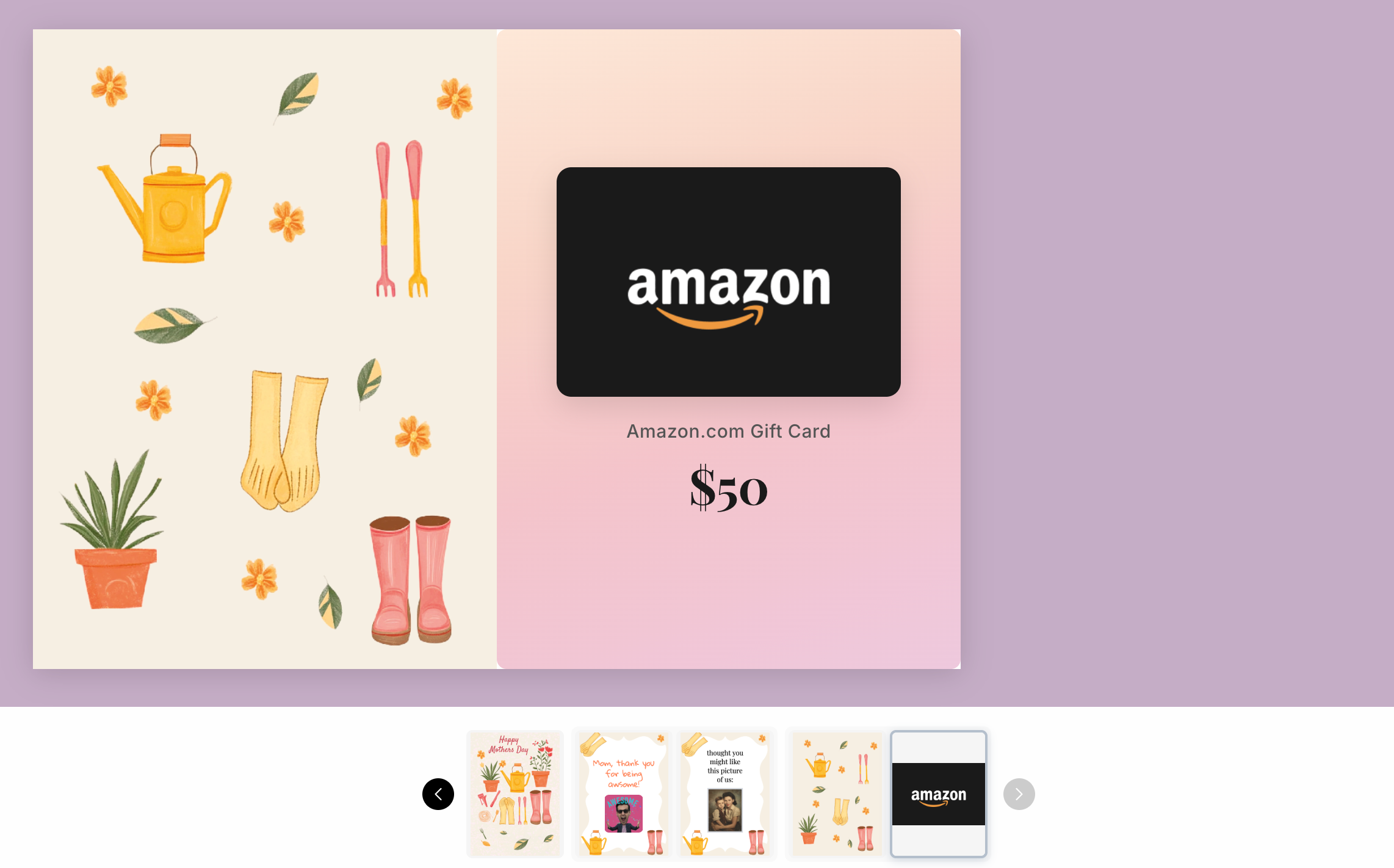
We thought about this at EcardKings and partnered with a third party that gives access to all the most-wanted gift cards. So while you’re creating your Mother’s Day ecard, you can easily attach one and instantly level it up.
Amazon, Starbucks, Walmart—whatever you’re thinking, it’s there. The selection is huge, and you can browse it directly inside the editor while you’re customizing the card, so it’s seamless. Start from our homepage and then select the card of your liking, design it, and add the fitting gift card.
Common Mistakes to Avoid While Designing Your Mother’s Day eCard
Quick refresh—if you actually want this to land and not just be “another card,” don’t mess these up:
Being too generic
Short is completely fine. Generic is not.
And I’ll say it again because it matters—no AI slop. None. Zero. If you open ChatGPT, paste something, and send it as-is, she will feel it. Maybe not consciously, but she will.
Write something real. Even if it’s two lines. Two real lines > ten generic ones.
Overcomplicating it
This is where people ruin it.
They try to write something super deep, super emotional, super perfect—and it just becomes heavy and forced. That’s not the goal.
You’re not writing a movie script. You’re sending a gift.
Keep it natural. Keep it you. If it feels like something you’d actually say out loud, you’re on the right track.
Sending late
Timing is everything here.
If it’s late, it is over. It goes from “this is thoughtful” to “he remembered last minute.”
And no mother wants to feel like she was an afterthought.
Send it in the morning. Be intentional about it. Make it feel like you planned it—even if you didn’t.
Create Your Mother’s Day eCard
If after reading this blog you’re going to send something this year, make it count.
A personalized Mother’s Day ecard is one of the easiest ways to create something meaningful—without overthinking it.
You Can Also Explore More eCard Options
If you’re looking for other occasions or styles you can browse our most popular category, birthday ecards here: Birthday eCards Online. I highly recommend you guys check it out, birthday eCards make such a huge difference compared to sending a lame birthday message, check out our blog about writing good birthday messages here: 10 Birthday Ecard Ideas That’ll Have Your Bestie Screaming ‘OMG, You Get Me!’
FAQs About Mother’s Day eCards
Do I need to sign up to send a Mother’s Day ecard?
No. You can send your ecard as a guest, which makes the process faster and more straightforward.
What can I personalize in a Mother’s Day ecard?
You can customize:
- Multiple text sections
- Fonts, colors, and layout
- Photos, GIFs, videos, or even add a gift card
- Music or voice notes
This allows you to create something that actually feels personal.
Can I send a Mother’s Day ecard instantly?
Yes. You can send it immediately via email, WhatsApp or SMS.
Can I schedule my ecard in advance?
Yes. On EcardKings, you can choose the exact delivery time so it arrives at the perfect moment.
Are Mother’s Day e-cards free?
You can start editing for free, but premium ecards offer better design, more customization, and no watermarks. They are not free.
Can I include a gift card with my ecard?
Yes. You can add a gift card from a wide selection of brands, combining a message and a gift.
Will I know if the recipient opened it?
Yes. You’ll get a notification when your ecard is opened.
Is a digital card better than a physical one?
It depends on preference, but ecards offer:
- More personalization
- Instant delivery
- More interactive features